
Free Product Recommendation Quiz Maker
Turn "Which one should I buy?" into "I'll take it." Pick one of 20 ready-made quizzes, swap in your products and embed it on any store.
Free to build, no signupUnlimited responsesAny store with one embed code
How to make a product recommendation quiz in 5 steps
Start from a template or a blank quiz. Each step opens the part of the editor it describes.
Free to build, no signup.
Add your products
Four to six products, each with a photo, one line on who it suits and a link to its page. Paste your Shopify store address and pick them, or paste rows from a spreadsheet.
Write five questions
Ask only what changes the answer. Open with the easiest question, with four or five picture choices to tap.
Match answers to products
Mark which products each answer points to. Give a strong match to the answers that should decide it.
Turn the match into a sale
Give every product a Shop button that opens its page, and add a discount code to seal the deal. Show the best match or the top three. Ask for an email after the last question, and let shoppers skip it.
Embed it where shoppers get stuck
Copy the embed code from the Share tab. Put the quiz on your homepage and collection pages, and link it from your emails. Then filter responses by product to see which one wins.
117 million quizzes taken. Since 2003.
The quiz maker behind classrooms, training rooms and online stores for over twenty years.
4.5out of 5 on Trustpilot
“I have liked Quiz Maker more than all other quiz platforms. It has all the question types I need.”
Used by teams at












What is a product recommendation quiz?
A product recommendation quiz is a short quiz that recommends the right product to each shopper. It asks a few questions about their needs, then matches the answers to your products. Stores also call it a product finder quiz, a product quiz or a shoppable quiz.
- Questions. Five quick taps on goals, preferences and deal-breakers.
- Matching. Every answer adds points to the products it fits.
- Result. The best match, or the top three, each linked to its product page.
The editor above is a free product quiz maker. Use it on any ecommerce store, with no app and no code.
20 free product recommendation quiz templates
The hard part is done: every answer is already matched to a product. Try one as a shopper, then load it into the editor above and swap in your own products.
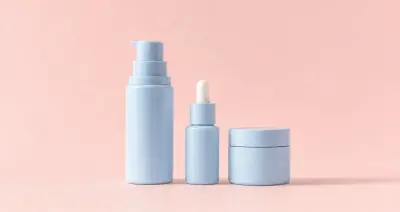
Beauty
Skincare routine quiz
"Which skincare routine suits your skin?"
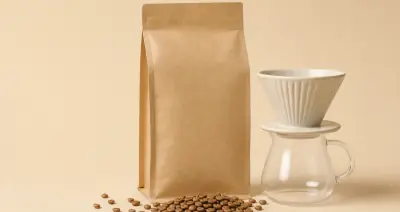
Food and drink
Coffee finder quiz
"Which coffee should you try first?"
Health
Vitamin pack quiz
"Which vitamin pack fits your routine?"
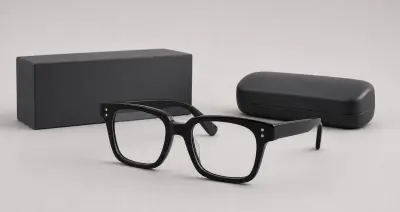
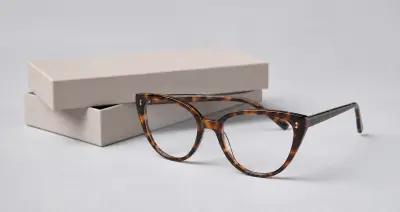
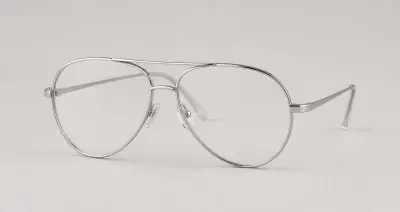
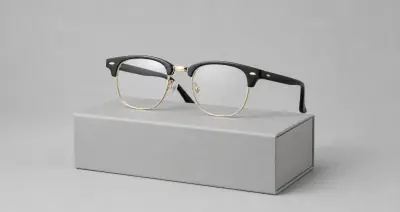
Fashion
Glasses frames quiz
"Which glasses frames suit your face?"
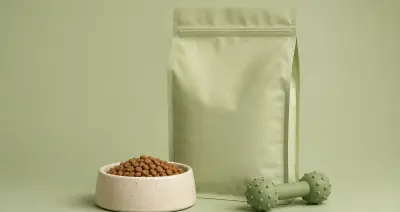
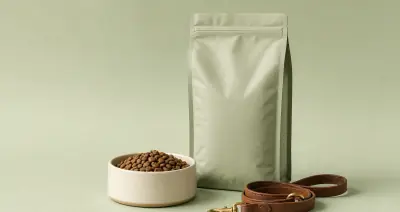
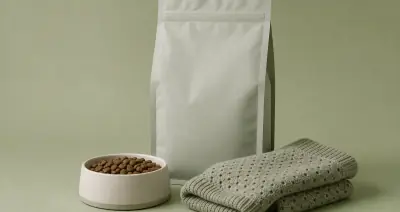
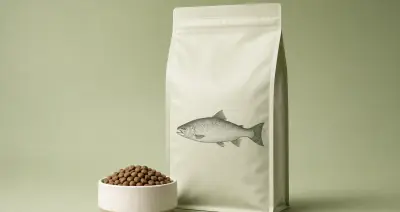
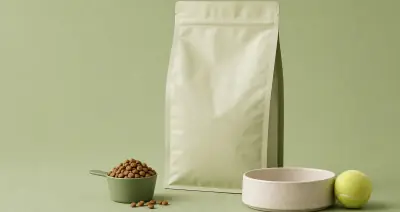
Pets
Dog food plan quiz
"Which food plan fits your dog?"
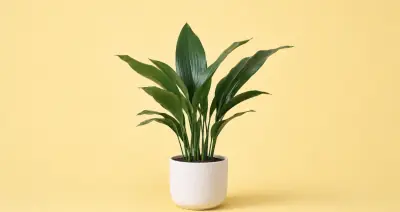
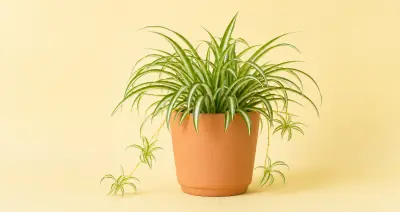

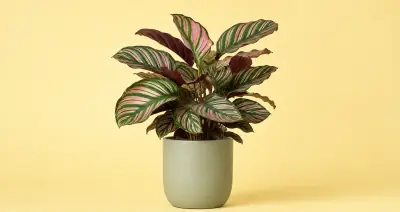
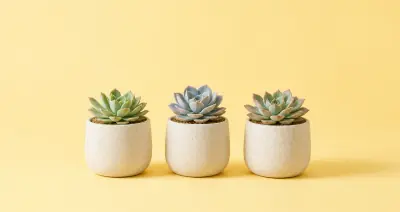
Home
Houseplant finder quiz
"Which houseplant will thrive in your home?"
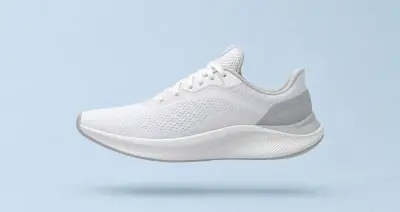
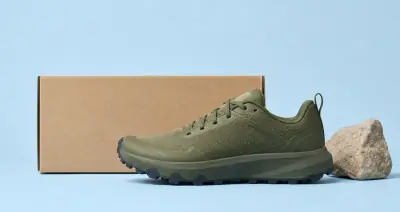
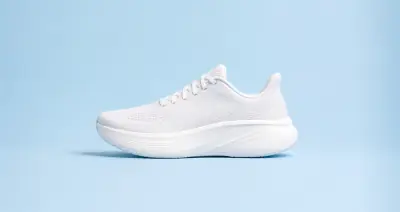
Sport
Running shoe quiz
"Which running shoe fits the way you run?"
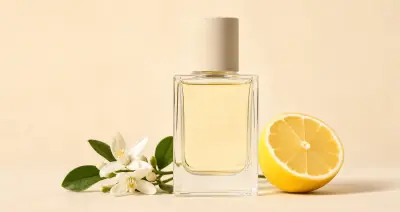
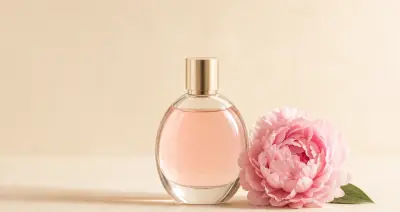
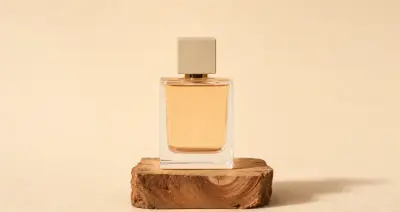
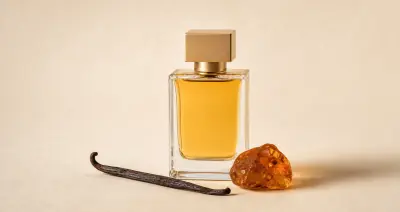
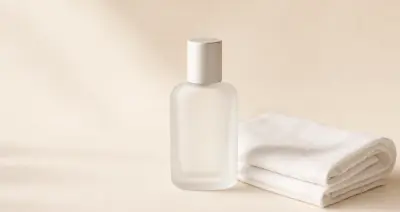
Beauty
Fragrance finder quiz
"Which fragrance feels most like you?"
How a product quiz matches answers to products
You decide which answers point to which products. The quiz does the math.
Every answer carries points for the products it matches: 1 for a match, 2 for a strong match. At the end, each product's points are divided by the most it could score. The highest percentage wins. Ties go to the product with more points, then to the one listed first.
The secret is balance. A product matched to only one or two answers can hit 100% after a single tap. So match every product to a similar number of answers.
Need a separate path for dogs and cats? Add branching, also called conditional logic. It skips the questions that do not apply, so every shopper gets a short, relevant quiz.
Match answers checks the balance for you. It plays every combination of answers and shows how often each product wins, and why.
| Answer | Barrier | Clear | Calm | Glow | Balance |
|---|---|---|---|---|---|
| Which texture do you love on your skin? | |||||
| Rich cream | Match | ||||
| Light gel | Match | ||||
| Silky balm | Match | ||||
| Serum drops | Match | ||||
| Soft lotion | Match | ||||
| By midday, how does your skin look? | |||||
| Tight or flaky | Strong match | ||||
| Shiny all over | Strong match | ||||
| Shiny on the nose and forehead only | Strong match | ||||
| Red or blotchy | Strong match | ||||
| Dull and tired | Strong match | ||||
| Max points, all 5 questions | 7 | 7 | 8 | 7 | 7 |
Strong match, 2 pointsMatch, 1 point
What makes a product quiz successful: 5 rules from 7,669 quizzes
We replayed 700,257 shopper sessions, screen by screen, to find what keeps shoppers playing to their match. Each rule is one setting in the editor above, and every template already follows it.
- 7,669 product quizzes
- 700,257 shopper sessions replayed
- 1.8M completed responses
- 69.6% played on a phone
Open with a question, not a welcome screen
82.0% see their match, against 62.0% after a welcome screen
One setting puts 20 more shoppers in every 100 in front of a product. The gap holds when quiz length is the same.
Out of every 100 shoppers who start
- 62 see their match after a welcome screen
- +20 more when the quiz opens on a question
Make question one the easiest
4x more shoppers decide at question one than at an average later question
Shoppers decide at question one whether to play. Make it one line with four or five picture choices to tap, and they keep going.
An easy first question, from the coffee template
Ask five to seven questions
81.6% finish at 5 to 7 questions, in under two minutes
The sweet spot: enough questions to find the right product, quick enough that eight in ten shoppers see their match.
Share of shoppers who finish, by quiz length
questions in the quiz, and mean time to finish
Offer four to six products
84.3% finish with 5 or 6 products to discover
Give shoppers something to discover. Quizzes with five or six results finished 21 points ahead of quizzes with two.
Share of shoppers who finish, by number of products
products a shopper can land on
Let shoppers skip the email ask
+10 more shoppers in every 100 see their match
Ask for the email after the last question and let shoppers skip it. Every template above works this way. Sending each result to its product page added another 5.5 points.
Out of every 100 shoppers who start
- 77 see their match when the email is required
- +10 more when they can skip it
Every template on this page already follows all five rules.
How we measured this
Dataset. Every quiz published on Quiz Maker that sends the taker to a named recommendation and asks for contact details. That is what this quiz type sets up by default.
Sample. We scanned 310,310 published outcome quizzes. 23,105 had lead capture on, and 7,669 of those had at least one completed response, 1.8 million in total.
Sessions. Drop-off and timing come from per-screen timing records for 700,257 sessions. 69.6% of them ran on a phone.
Completion. The share of sessions that reached the result screen, averaged across quizzes so one busy quiz cannot carry a band. Comparisons use the 2,800 quizzes with 100 or more sessions.
Controls. Each build choice is compared separately for quizzes of 5 to 12 questions and of 13 or more.
Reading the numbers. These compare real, published quizzes, so treat each rule as a strong starting point for your own.
Exclusions. Deleted, stopped and moderated quizzes; sessions under five seconds or over an hour; quizzes that show several questions per screen.
| Questions | Finish rate | Mean time to finish |
|---|---|---|
| 1 to 4 | 88.3% | 1:01 |
| 5 to 7 (best fit) | 81.6% | 1:49 |
| 8 to 10 | 76.9% | 2:20 |
| 11 to 14 | 81.4% | 2:21 |
| 15 to 19 | 76.6% | 4:07 |
| 20 or more | 69.5% | 7:06 |
Cite this research. Quiz Maker Product Quiz Benchmark, September 2026, by Michael Hodge: 7,669 quizzes and 700,257 shopper sessions. www.quiz-maker.com/Product-Recommendation#benchmark
Aggregate tables are available on request through the contact form.
Do product recommendation quizzes increase sales?
Yes. A quiz does what your best salesperson does in store. It asks a few friendly questions, then hands each shopper the product made for them. Olaplex, Purple, Casper and Paula's Choice each run their own, and you can take all four below.
Answer "Which one should I buy?" before anyone asks
When five serums look alike, shoppers stall or email support to ask. A few taps hand each one the serum that fits. Its Shop button opens the product page, and a discount code gives them a reason to buy today.
Not ready today? They buy from your inbox
Shoppers can leave an email with every answer attached, so your product quiz doubles as a lead capture quiz. Your next email opens with a personalized match, not a generic sale. So the order can still be yours.
Every answer makes your next email personal
Each response arrives with the shopper's skin type, budget or bed size. That is zero-party data, straight from the shopper. Send it to Mailchimp or your CRM, and every follow-up speaks to what they told you.
87 in 100 shoppers who start reach their match
A quiz sells twice: once on the spot, and again from your inbox. Measured on quizzes of 5 to 12 questions with a skippable email ask, the way every template here is built.
Start the quiz100
See their match87
Your emails bring them back for more
Buy now
Straight to the product
Each match gets a Shop button to its product page, with a discount code if you like.
Buy later
Straight to their inbox
They leave an email with their answers. Quiz Maker can send their match, and your Mailchimp follow-ups can name the exact product.
How to add a product recommendation quiz to Shopify, WooCommerce or any site
No app to install and no code to write. Save your quiz and copy the embed code from the Share tab. Paste it where the quiz should appear. It loads in its own frame, so your page never waits for it.
- In Shopify admin, go to Online Store, then Themes, then Customize.
- Open the page, product or collection template and add a Custom Liquid section.
- Paste the embed code and save.
- Edit the page, post or product.
- Add a Custom HTML block where the quiz should go.
- Paste the embed code and update.
- In the editor, choose Add, then Embed Code, then Embed HTML.
- Choose Code and paste the embed code.
- Size the box and publish.
- Edit the page and add a Code block.
- Paste the embed code.
- Save, then publish.
- Drag an Embed element onto the page.
- Paste the embed code.
- Publish the site.
- Paste the embed code into your HTML where the quiz should appear.
- Or share the quiz link, or open it as a pop-up from a button.
- Choose the embed type on the Share tab.


Send answers to your email tool
Every response arrives with the shopper's answers and the product they matched. Connect Mailchimp or Google Sheets from Settings, then Integrate. Use Zapier to reach Klaviyo, HubSpot and most other email and CRM tools. You can also export every response to Excel.
9 product recommendation quiz examples worth copying
Nine store quizzes we took on 23 September 2026. Most ask five to nine questions, and none makes shoppers give an email to see their result. Here is what to copy from each.
Ulta Beauty
Finds haircare products
Every question has a Skip button, so a shopper who is unsure still reaches a result.
First question: "What's your haircare goal?"
- Questions
- 4
- Email ask
- None
- Result
- A filtered grid of matching products
Olaplex
Finds a hair routine
It asks whether you want a simple or a full routine, then shows that version first.
First question: "How would you describe your natural hair type?"
- Questions
- 7
- Email ask
- Before results, can skip
- Result
- A routine of 9 products, with add to cart and add all
Trade Coffee
Finds coffee to try
Later questions reuse earlier answers, so each screen follows on from the last.
First question: "What are you looking to brew?"
- Questions
- 9
- Email ask
- None
- Result
- Three matched coffees, then a plan with a price
Purple
Finds a mattress
It asks the bed size early, so every result shows the real price.
First question: "Who is this mattress for?"
- Questions
- 9
- Email ask
- Before results, can skip
- Result
- A ranked top 3, with add to cart
Casper
Finds a mattress
The result is the product page itself, with a banner saying it is your match.
First question: "First things first, where are you in your mattress shopping journey?"
- Questions
- 7
- Email ask
- At the start, can skip
- Result
- Goes straight to the matched product page
Native
Finds a deodorant scent
None of the questions mention deodorant, which makes a low-interest product fun to shop.
First question: "You're on a road trip. What snack are you grabbing first?"
- Questions
- 9
- Email ask
- Before results, can skip
- Result
- A scent profile and matching products, with add to cart
Ollie
Finds a dog food plan
It uses the dog's name in every later question and in the result.
First question: "What's your dog's name?"
- Questions
- 6
- Email ask
- None
- Result
- A plan with a weekly price
Paula's Choice
Finds skin type and routine
It asks shoppers to look at their skin instead of guessing their skin type.
First question: "Wash your face with a gentle cleanser and wait 15 - 30 minutes. Click the icon that matches what you see."
- Questions
- 2
- Email ask
- None
- Result
- Your skin type and a routine of 4, with add to cart
Briogeo
Finds a hair routine
After each answer it replies with a short line about the shopper's hair, which keeps them going.
First question: "First thing's first. What's your natural hair type?"
- Questions
- 5
- Email ask
- Before results, can skip
- Result
- A routine of 4, with add to cart and add all
Want one like these? Start from a ready-made template and make it yours in the editor above.
What questions to ask in a product recommendation quiz
The rule is simple: every question should change which product the shopper gets. Ask what someone does, not what they say matters. Five to seven questions is the sweet spot.
Ask
What they want fixed
Start with the goal, one thing at a time. Give this answer the most weight.
"What do you want to work on first?"Dryness / Shine / Uneven tone
Something they can check, not a label
People guess their own hair type wrong. Nobody gets it wrong watching it dry.
"Let it dry on its own. What does it do?"Frizzes / Waves / Falls flat / Curls
The deal-breakers
One tap on an allergy can rule out half your catalog.
"Anything you want us to leave out?"Fragrance / Alcohol / Nothing
Their last buy
Replacing something or buying for the first time? Their last product tells you what to change.
"Did you finish the last one you bought?"Loved it / Want a change / It did not suit me / First time
Skip
"How did you hear about us?"
Ask it at checkout. On question one it tells the shopper this is really a form.
"How important is price to you?"
It rarely changes which product fits. Ask what they paid last time instead: one tap shows their real budget.
Open-text questions on mobile
Seven in ten sessions are on a phone. Give four to six options to tap.
Questions that point nowhere
A playful question earns its place only when every answer points to a product, like Native's road-trip snack question. Otherwise, save "Which animal are you?" for a personality quiz.
Product recommendation quiz maker FAQ
Cost, setup, results and fitting the quiz into your store.
Is there a free product recommendation quiz maker?
Yes, this one. Quizzes you make on this page are free, with no cap on responses, however much traffic your store sends. You can build and test one before you create an account. For white labeling or team accounts, see the pricing page.
What should I look for in a product recommendation quiz builder?
Look for five things. A free plan with no response cap, so a busy week never locks your quiz. Matching you can see and check. Picture answers and branching, so every shopper gets short, relevant questions. An embed that works on any store without an app. And an email ask that shoppers can skip. This builder does all five, free.
Can I build a product recommendation quiz without coding or an app?
Yes. Build it in the editor on this page, with no code and no app to install. Start from a template, swap in your products and photos, then match each answer to the products it fits. When you are done, copy one embed snippet from the Share tab. Paste it into Shopify, WooCommerce, Wix, Squarespace, Webflow or any HTML page, and your quiz is live.
How many questions should a product recommendation quiz have?
Five to seven. In our benchmark, quizzes with 5 to 7 questions kept 81.6% of shoppers to the end. They finished in under two minutes on average. That is enough questions to find the right product, and short enough to keep shoppers tapping. Make every question change which product wins. Open with the easiest one, because shoppers decide at question one whether to play.
How do I add a product recommendation quiz to Shopify?
No app needed. Paste your store address into Add products and pick your products: their photos and links come with them. Then save your quiz and copy the embed code from the Share tab. In Shopify admin, go to Online Store, then Themes, then Customize, and paste the code into a Custom Liquid section. Save, and the quiz is live, with a Shop button on every match.
Should a product quiz ask for an email before the results?
Ask after the last question, and let shoppers skip it. In our benchmark, a skippable email ask put 10 more shoppers in every 100 in front of their match. That is 86.9% finishing, against 76.8% when the email was required. Shoppers who leave an email can get their match in their inbox. You get a lead who told you exactly what they want.
Can the result show more than one product?
Yes. On the Products tab, show the best match, the top three ranked, or send shoppers straight to the product page. Each product card has an image, a name, a line on why it fits and a Shop button. The top three suits catalogs where two or three products are close.
Can each result have a buy button and a discount code?
Yes. Give every product a Shop button that opens its product page, in your own words, like Shop the Barrier Repair Routine. Add a discount code and what it gets the shopper, like 10% off. The button takes your theme colors and the code sits right under it, so a shopper who just found their match has a reason to buy now.
Will the quiz slow down my store?
No. The embed code loads in the background and draws the quiz in its own frame. Your page never waits for it, and your theme files stay untouched. Run PageSpeed Insights before and after to see for yourself.
Can I see which product each shopper got?
Yes. Every response shows the shopper's answers and the product they matched. Filter the results by product to see how many shoppers each one gets, and export every response to Excel. It is also the quickest way to spot a product that almost never comes up.
Can it recommend a service or a plan instead of a product?
Yes. A product is simply a result card, so it can be a plan, a package, a class or a service. Give each one a name, a photo, a short description and a link to book or buy. The software plan, course and website templates show how it works.
Can I make it look like my store?
Yes. The Themes tab sets the colors, fonts, buttons and background. Upload your own photos for every product and every answer, so shoppers see what they would actually buy.
Your shoppers keep asking "Which one should I buy?" Let your quiz answer.
Pick a ready-made template, swap in your products and put it on your store. Free, with unlimited responses.
